

Leon – Wingops integration
Smarter scheduling. Connected maintenance. Better fleet utilization.
Leon users can now take flight scheduling and maintenance coordination to the next level with the Leon–Wingops integration.
The two-way connection between Leon and Wingops supports more efficient planning and fleet utilization through better visibility and automated data synchronization.
Key benefits of the Leon –Wingops integration
Automatic data synchronization
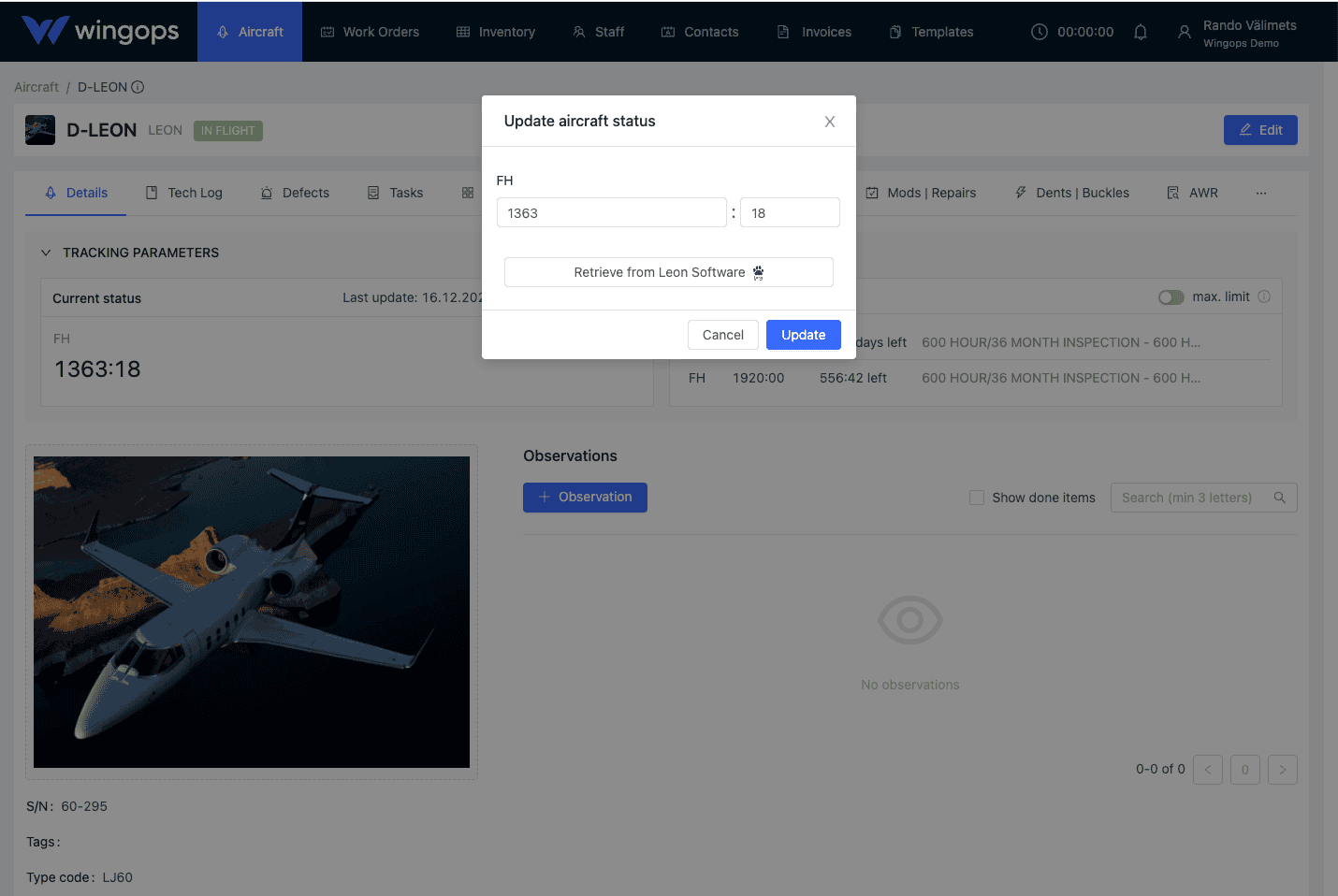
Wingops automatically syncs mapped TAH, TAC, and engine values every hour.
(Sync direction: Leon → Wingops)
Scheduled maintenance coordination
When a work order with a station and planned start/end dates is created in Wingops, it is automatically synchronized with Leon, ensuring maintenance-aware flight scheduling.
Maintenance-aware planning
Operations teams always have up-to-date maintenance visibility directly in Leon.
Reduced manual work and errors
Automated synchronization eliminates double data entry and reduces the risk of mismatched information.
Integrating with Leon
- In Wingops, go to Settings → Integrations
- Locate the Leon integration and click Authenticate Leon
- After successful authentication: Go to Leon → Settings → Add-Ons → Wingops → Configuration → Search for Wingops
- In the configuration, select the aircraft you want to allow Wingops access to
- Ensure aircraft registrations are identical in both Leon and Wingops
- In Wingops, select the aircraft and map Leon's TAH (Total Airframe Hours) and TAC (Total Airframe Cycles) to Wingops' tracking parameters
- Enable scheduled maintenance sync: When a work order is created in Wingops with planned start/end dates, it is sent to Leon as scheduled maintenance
- Save the settings: Wingops will then update TAH/TAC hourly and send scheduled maintenance data to Leon automatically